Hardware security key YubiKey
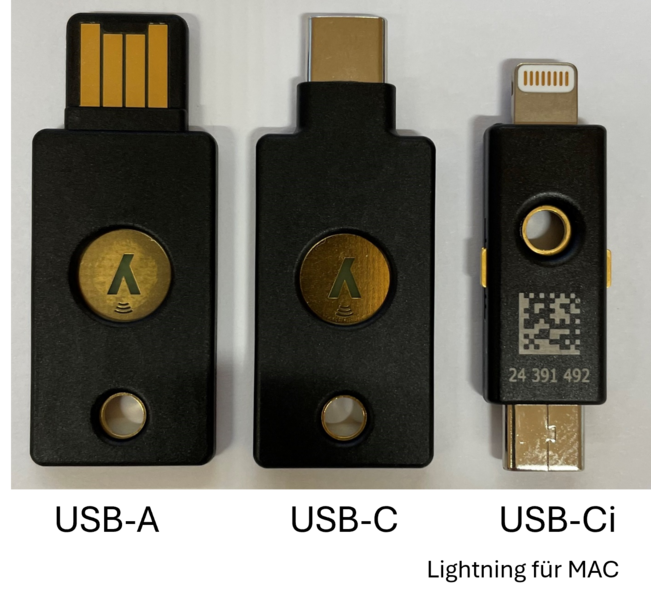
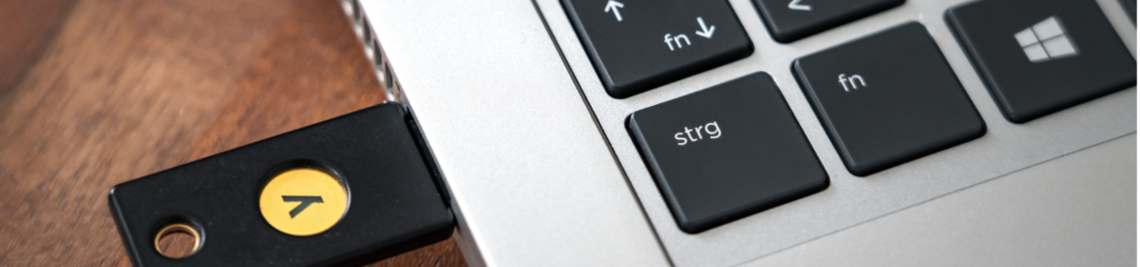
The YubiKey from Yubico is a hardware security key in the form of a USB stick.
Employees can obtain a YubiKey from their IT officer if required. The YubiKeys issued may only be used for official purposes.
All other users (students, guest students, early students/Unitag etc.) can purchase a YubiKey or a Microsoft-compatible security key that supports "FIDO2" from an independent retailer if required. Please understand that we can only provide user support for the YubiKey due to the large number of security keys.
TAP = Temporary Access Pass
You need a TAP to set up your YubiKey. The TAP is a one-time password for logging in to the Micosoft portal. It is only required if you have not yet set up any other security factor such as the Authenticator App. You can obtain the TAP from IT support: you can request it by e-mail (it will be sent to your office by internal mail) or collect it in person (bring your ID card with you).
Memorise the PIN of your YubiKey. If you forget the PIN, you will temporarily no longer be able to log in to MFA-protected services. In this case, the YubiKey must be reset and set up again, for which you will need assistance from IT support.
Instructions: Forgotten YubiKey PIN, YubiKey is blocked
For IT support staff only: YubiKey reset via YubiKey Manager
Login
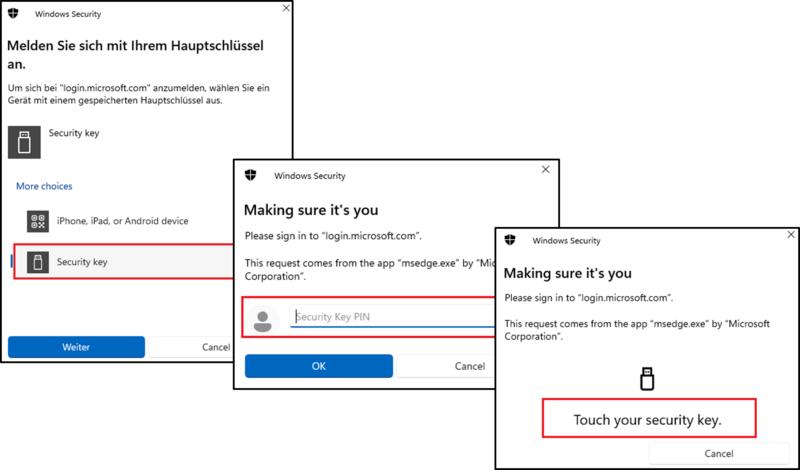
Once you have set up the YubiKey, you will be asked for your user name and password when logging in to IT services as before. You will then be asked to log in with your master key. The YubiKey must be plugged into the PC.
Select the [Security key] option. In the next step, enter the PIN of your security key and briefly touch the gold contacts on the YubiKey with your finger.
Log in in the same way if you have set up a different hardware security key.