



VPN Android: Cisco Secure Client
YubiKeys are not supported under Android for VPN login. Please use another MFA method instead, e.g. the Microsoft Authenticator app or a TOTP app.
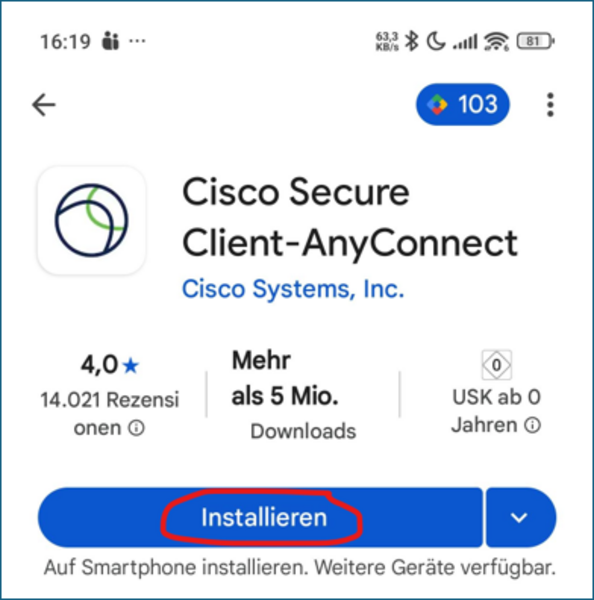

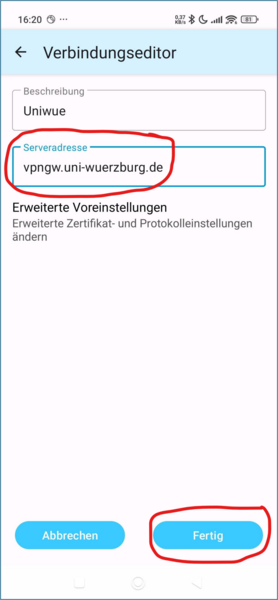
- Enter a [ Description ] of your choice.
- Enter the following [ Server address ]: vpngw.uni-wuerzburg.de
- Click on [ Done ]
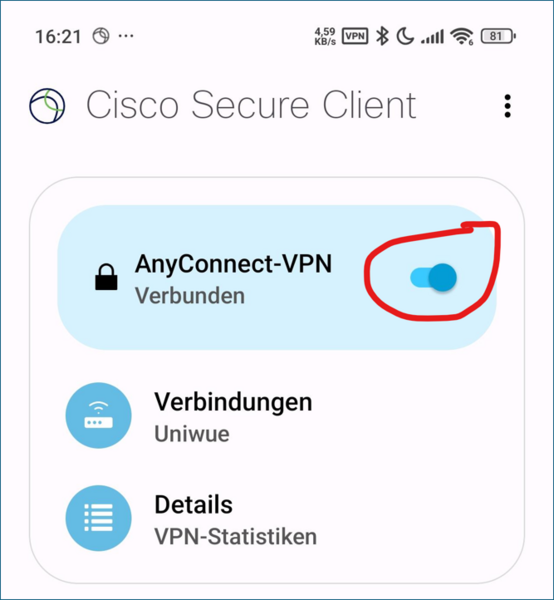
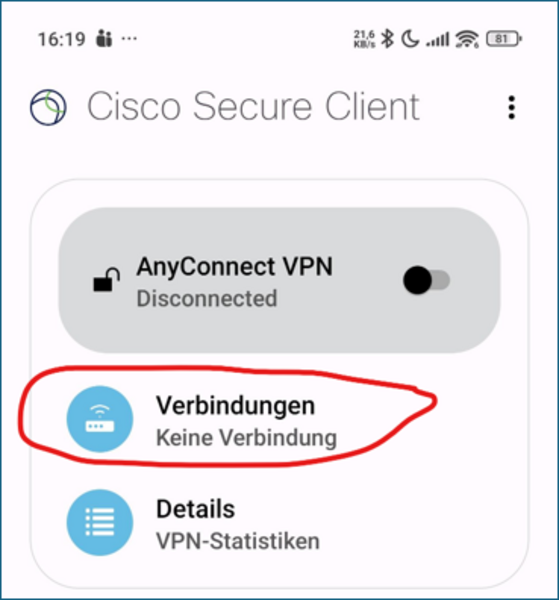
- Open the start page of the AnyConnect app again.
- Activate the slider next to "AnyConnect VPN" to switch on the VPN connection.

- Log in via WueLogin.